
How to Do A DIY Hearing Aid Clean and Check – Video

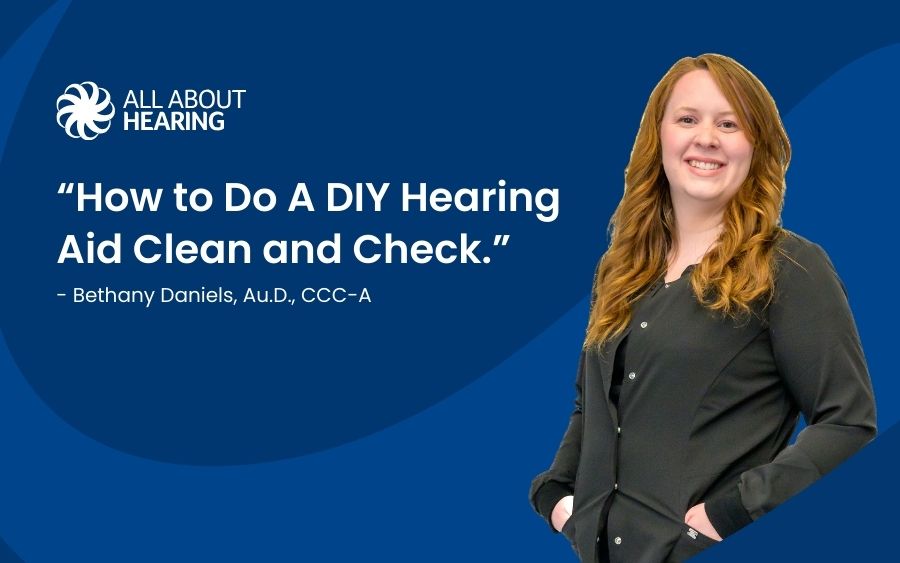
Hearing aids are incredibly sophisticated devices. But from time to time, they’ll need a quick clean and check to ensure they stay in perfect condition.
At our Midland office, All About Hearing has some of the finest specialists in West Texas, who can help patients keep their hearing aids in the best possible shape.
But it’s also possible to clean your devices at home with just a few basic tools. We’ve put together a simple video tutorial to show you how.
Step One: Check Your Hearing Aid Domes
You should begin the cleaning process by assessing your hearing aid domes.
Take one and squeeze the end. If there’s any debris blocking the sound opening, this will then get pushed out.
Next, take a small hearing aid brush and gently clean the dome. If you don’t have this specialist tool, a child’s toothbrush will work just as well.
Afterward, try your hearing aid out again. If you’re still not getting excellent sound quality, move onto the second step of the process.
Step Two: Replace the Wax Filter
If the dome is not the problem, you’ll need to check the filter on your hearing aid. Start by removing the dome. Underneath, they’ll be a small white tip. This is the filter.
On your replacement filter set, you’ll find a series of sticks with black ends and white ends.
Take one and gently push the black end into the filter. Then pull it straight out. This should remove the filter.
Next, turn the stick around. Gently push the white end straight into the receiver, and then pull it out again.
The new filter should grip onto the receiver. If it doesn’t, repeat the step until it sits perfectly. After this, replace the dome and check it fits securely.
Step Three: Clean the Microphone Ports
If you are still not getting the sound output you require, the last thing to check is the hearing aid microphones.
They sit at the very top of the hearing aid and on either side of the push button. Take your brush and gently clean each of the microphone openings.
Once you’ve done this, try out your hearing aids again to see if they’re functioning correctly.
If you need further assistance, please ring our office at (432) 689-2220 or write to us using the form on our contact page, and we’ll be happy to help you with this process.

Request a callback
It’s often the small questions and concerns that hold us back from making positive decisions – especially when it comes to your hearing health.
That’s why we offer no-obligation friendly calls to help answer those questions, whether on behalf of yourself or a loved one.
Simply complete the form and a member of our team will call you back shortly.
Don’t want to wait? Call us at: (432) 689-2220